Question About Jobber Request Form Confirmation Behavior and Mobile PDF Attachments


I apologize, I didn't see this question earlier — not sure if you still need an answer or if you've already found a solution.
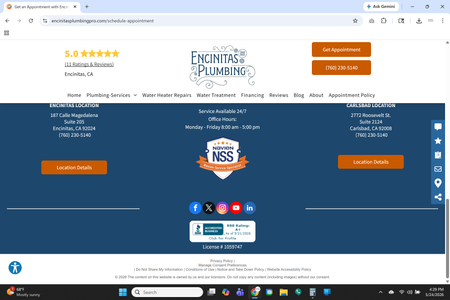
Regarding the request form: this is an iframe embed, which means the form lives inside your website. The best solution is to keep your appointment tab, but have it redirect to a new tab so the full form loads on its own page. That way the confirmation page you set for after submission will work properly too. You can see my post-submission page here: https://nwtreesinc.com/welcome
In my case I use redirects to track lead sources. For example, http://nwtreesinc.com/yelp sends the customer to the form with the source attached (source=yelp), so I know where each lead came from.
As for the PDF attachment issue — make sure you have the latest version of the Jobber app, and check that the PDF isn't larger than Jobber's file size limit. Also remember you can build custom quote templates that already include the PDF, so you don't have to upload it every time. See my screenshot for an example.
If you need further help, feel free to reply here or send me a DM — happy to walk you through any of it.