How early is too early to start servicing a customer?
This came up for me because summer routes can get brutal. When temperatures are pushing 95 to 100 degrees, I don’t want my team out in the hottest part of the day if it can be avoided. In our line of work, the job is outside. It’s physical. There’s no shade in a lot of backyards. The heat wears people down fast. So my general opinion is this: If the sun is up, visibility is good, and the technician can clearly see the yard, then it’s reasonable to start service. For pet waste removal, that means we can see the ground, see the waste, safely walk the property, check gates, read yard conditions, and do the job to our standard. I don’t think the clock alone should decide whether it’s “too early.” The bigger question is whether the customer has been properly prepared for how your service operates. If a customer thinks you’re coming between 10 AM and noon, and you show up at 6:30 AM, that’s going to feel wrong to them. If your onboarding explains that service may begin early during summer months, especially to protect technicians from extreme heat, then the expectation is different. Communication is what makes the difference. For us, this is why customer expectations matter so much. You can’t surprise people with an early arrival and then act like they should have known. They need to know upfront: what your service window is whether you give exact arrival times how much notice they get before arrival what happens if dogs are outside what happens if gates are locked why summer routes may start earlier how you handle extreme heat days I’m a big believer in the on-the-way message. If the customer gets a reasonable heads-up before arrival, they can bring dogs inside, unlock the gate, or prepare for the visit. That message matters even more when service starts early. The goal is not to sneak onto a property before people are awake. It is to run the route safely, protect the team, and still give customers enough communication to feel respected. There’s also a real operations side to this. If you wait until late morning to start every summer route, the team may end up doing the hardest part of the day in the worst heat. That can affect: speed morale safety quality callbacks employee retention A customer may prefer a later visit. But the business also has to protect the people doing the work. If we can safely complete a yard at 7 AM instead of 2 PM on a 100-degree day, that’s usually better for the technician and the route. The key is making sure your policy is clear before it becomes a problem. For example: “During summer months, our team may begin routes earlier in the day to avoid extreme heat. You’ll still receive an on-the-way message before arrival so dogs can be secured and gates can be accessible.” That one line can prevent a lot of confusion. This is another example of something that feels small until the business grows. When you’re solo, you can adjust everything manually. Once you have a team, policies matter more. You need a standard that protects the customer, the technician, and the route. How early is too early for your team to start work? And do your customers know your summer service window before the appointment happens?28Views1like3CommentsI stumbled upon this gem - Manus AI
I wanted to pass this along because I had never heard of this platform before. The problem I was trying to solve is making a usable catalog for our company SOPs. Right now they look like this. Not so bad BUT I'm onboarding a new VA and for them to know where to look for information was going to be really tough. I'm a member of Home Service Accelerator and the main guy kept talking about "putting it in manus and have it make a dashboard. I finally listened and what came out was unbelievable. An interactive website that has all the info they could ever need. Sure you have to pay for it but I how nice would that be to start a job and they have everything you could need to know be searchable?? This is a screen shot of what I came up with after working on it after 30 minutes. Definitely check it out if this is a pain point for you.42Views1like2CommentsWhat customer expectation caused you the most problems?
One expectation I wish I had defined earlier was arrival times. When I first started, it was easy to tell a customer: “I’ll be there around 10.” Or: “We should be there between 12 and 1.” At the beginning, that felt like good customer service. The schedule was smaller. The routes were lighter. I had more control over the day. As the business grew, specific arrival times became harder to keep. All it took was: one chatty customer talking for 10 minutes a locked gate a dog outside extra waste in a yard traffic road construction an accident a customer note that needed attention Suddenly the whole route was pushed back. And once you miss the arrival time you gave the customer, even if the work itself is done well, you’ve created frustration because the expectation was set wrong from the beginning. That forced us to change how we communicate scheduling. Now we set the expectation that we scoop from sunrise to sunset. Customers know their service will happen on their scheduled day, and they’ll receive an “on the way” message 30–60 minutes before arrival. That one change reduced a lot of unnecessary pressure. It also made the route easier to manage because we weren’t trying to force the day into exact arrival windows that didn’t hold up once real life happened. I think a lot of service businesses run into this. You create an expectation early because it feels manageable, then growth exposes how hard it is to keep that promise consistently. For us, the lesson was pretty simple: If the business cannot deliver it consistently at scale, be careful promising it casually in the beginning. What expectation did you set early on that later became hard to manage as the business grew?173Views4likes13CommentsTutorial: How to Set Up Re-Occurring Jobs in Jobber
Hey Guys It took me a while to set up a reoccurring job correctly - so I made a video on how you do it! From the quote to how you set the job up so they get billed automatically. Here is the loom video going over the process. How to Set Up Recurring Jobs in Jobber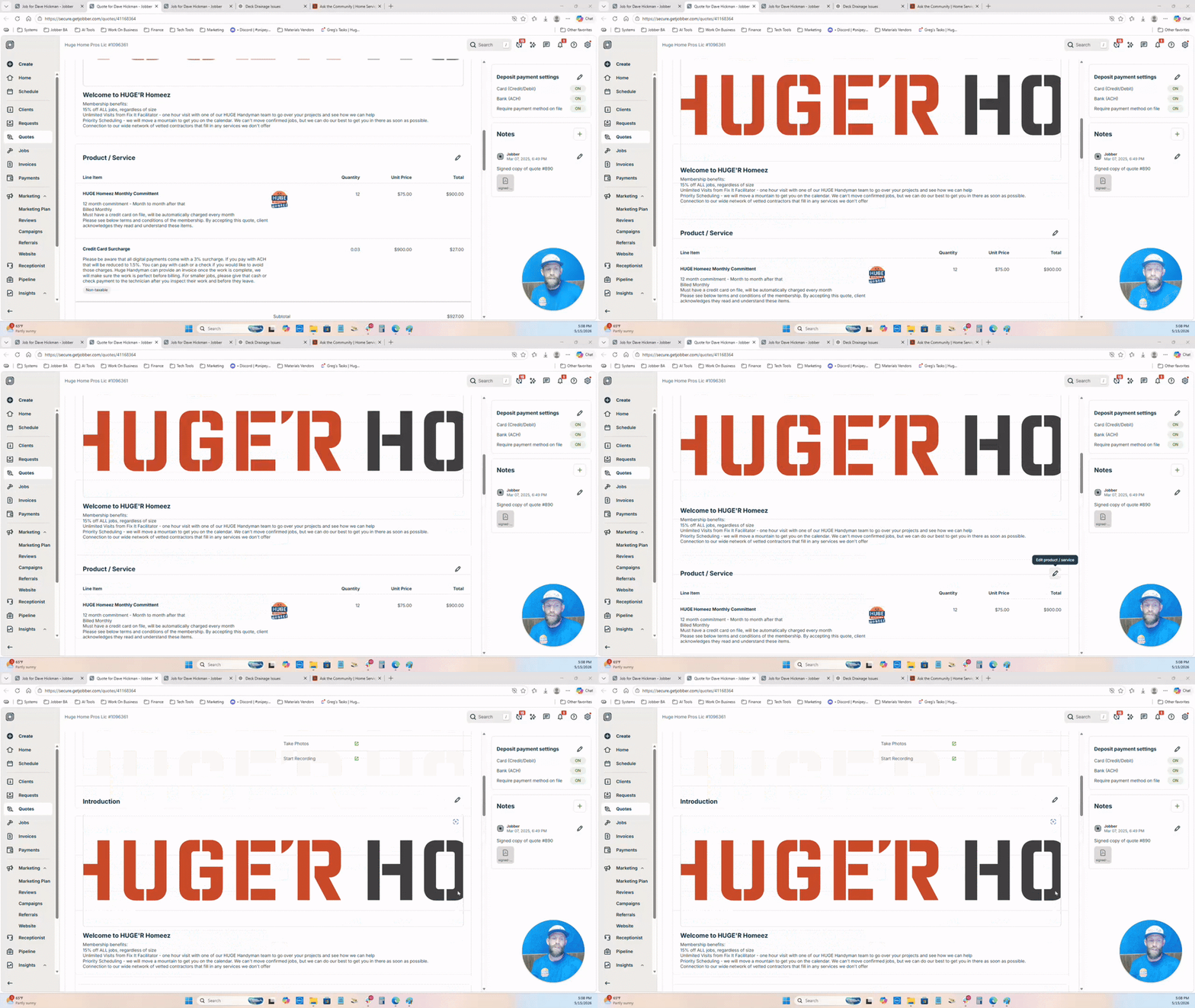 202Views2likes1Comment
What's the best thing you've automated in your business?
Think scheduling, lead follow-ups, and customer reminders. What’s the best automation(s) you’ve set up that's made running your business easier? In this episode of Masters of Home Service, PhilRisher and WiringByron get into: The two automations every business should have How to automate estimates, follow-ups and billing to save 20+ hours/week Why "build the system once, benefit forever" is the real win Want to put these tips into action? Download the 10 automation moves checklist for this episode. Never miss an episode of Masters of Home Service. Subscribe on Apple, Spotify, or wherever you get your podcasts. 121Views2likes2Comments
How do you simplify your operations to reduce overhead and grow faster?
I was watching a video on youtube last night that was talking about how Chick-Fil-A is the most successful restaurant group in the country. Per capita, Chick-Fil-A makes way more money than McDonalds, Starbucks, etc. And their success boils down to the fact that their menu is super simple. This speeds up the ordering process, the making of the food, and cuts down on overhead. So I'm curious: what are ways that you use the KISS (keep is simple, stupid) method in your business?128Views0likes3CommentsWhat tech tool actually made your team more productive?
What’s something that genuinely saved time or made your team better? Did it help with quoting? Payments? Share your take below. In this episode of Masters of Home Service, ryaantuttle and Rob Soper get into: Why many owners are still stuck with manual processes How tech can act like extra admin (without hiring) Simple ways to start using tech without overhauling everything Never miss an episode of Masters of Home Service. Subscribe on Apple, Spotify, or wherever you get your podcasts. 234Views3likes5Comments
Can I add a Job Form to a job after I have created it?
I have clicked through everything I could see and can't seem to be able to add a Job Form to a job on the fly. I end up deleting the job then just having to create a new one with it added. Obviously sometimes I forget to add it, but other times I just need a form to fill out some information and send to a client. Has anyone solved this issue or have some info to make this easier?Solved183Views2likes4CommentsToday button
Good Morning everyone Are any of you annoyed that when you hit the Today button on month view - it goes to the beginning of the month not todays date. I regularly have to put information into later parts of the year, when complete I hit Today to return to todays date, unfortunately because I work in month view, it jumps to the beginning of the month. Frustrating because if todays date is 25th of the month I then have to scroll to find it. Therefore it is not today! Apparently if you work in week view, it returns to beginning of week, again this is not Today. Its only in Day view that it will actually take you to today. All I would like is when I click Today, it actually takes you to TODAY!!113Views0likes1Comment


